
 Photo & Video




Hurry and get 15% discount on your first order with the following code:
Hello-Trendyolist
$64.99 – $69.99
 Free + Delivery Options
 Beside offering multiple delivery options, we are proud to offer free delivery to more than 90% of orders.
 Free 15-Day returns
 Payment Methods:

1. Bluetooth Stand: 5.1 Bluetooth
2. Battery lifespan: 3 years
3. Stand-by time: 180 days
4. Working Time: 5 hours(turn on backlit);80 hours(off backlit)
5. Working Voltage: 3.3-4.2V
6. Effective distance: 10 meters
7. Auto Sleeping: No action in 10 minutes
8. Backlit Light: Rainbow Multi color and White
9. Charge Port: Type-C
10. Material: High-Quality Plastic
11. Color: Black,Rose Gold,Silver
12. Charging times: 3 hours
13. Hot keys: Fn + function keys
1. Size: 19.7*15.2*1.7 cm
2. Weight: 446g
3. Battery: Lithium battrey 500mAh
4. Indicator Light:
Power LED: Blinks when the battery is low, lights up red when charging, and lights up green when full.
Press Fn + C at the same time to turn on Bluetooth will blink blue light, and the blue light is always on after successful connection.
Battery level display: Click the power button 1s (the red-light flashes once: battery level> 25%; the red-light flashes twice: battery level > 50%; the red-light flashes 3 time: battery level > 75%.)
CAPS LED: White light is always on when capital, off when lowercase.
1. Size: 25.5*19.3*1.9 cm
2. Weight: 666g
3. Battery: Lithium battrey 500mAh
4. Indicator Light:
Charge LED: Blinks when the battery is low, lights up red when charging, and lights up green when full.
Battery level display: Click the power button 1s (the red-light flashes once: battery level> 25%; the red-light flashes twice: battery level > 50%; the red-light flashes 3 time: battery level > 75%.)
BT LED: Press and hold the Connect button for 3 seconds to turn on Bluetooth, the blue light blinks, and the blue light is always on after successful connection.
CAPS LED: White light is always on when capital, off when lowercase.
1. Size: 28.6*24.4*1.9 cm
2. Weight: 945g
3. Battery: Lithium battrey 450mAh
4. Indicator Light:
Charging LED: Blinks when the battery is low and lights up red when charging.
Full power indicator: Green light when fully charged.
BT LED: Press Fn + C at the same time to turn on Bluetooth will blink blue light, and the blue light is always on after successful connection.
CAPS LED: White light is always on when capital, off when lowercase.
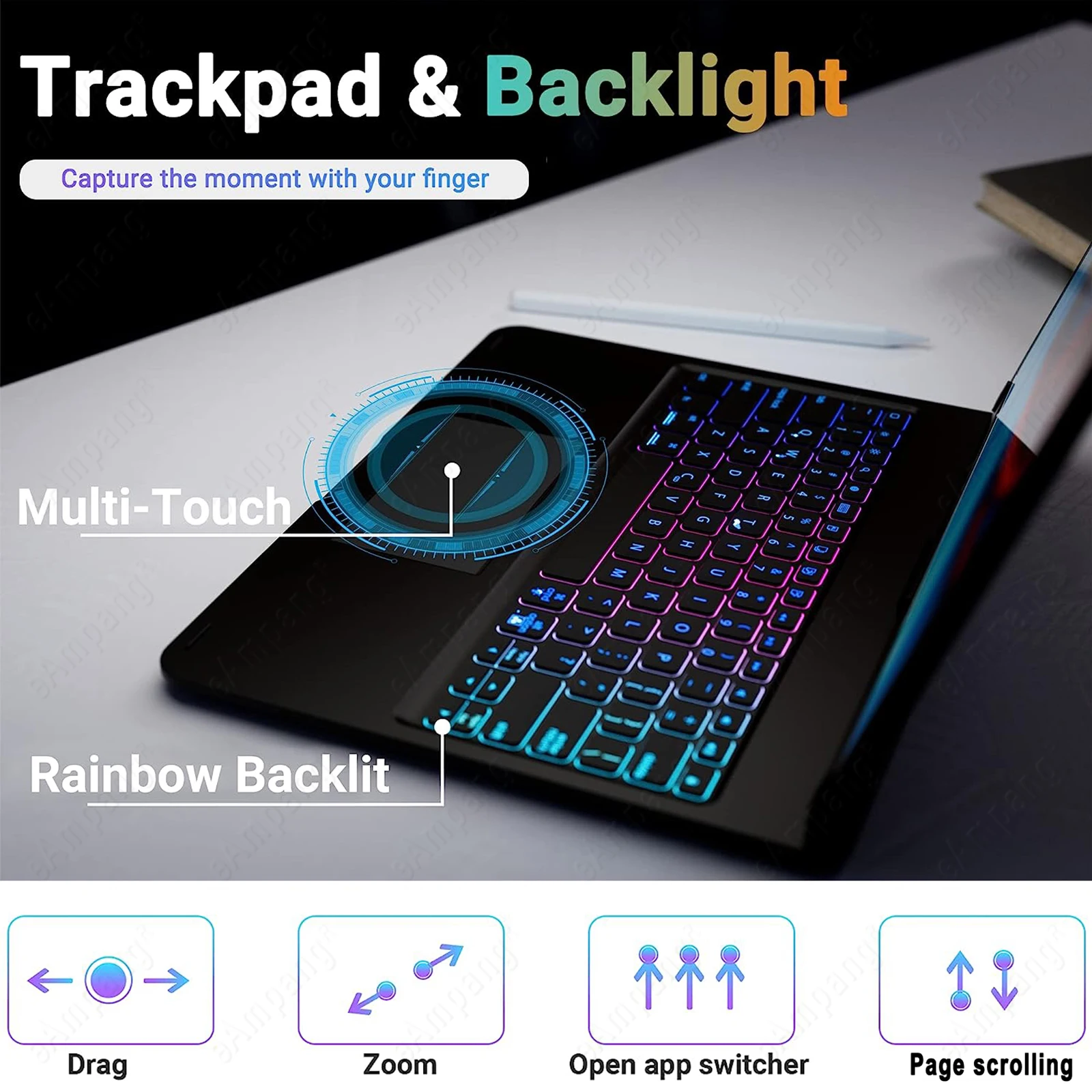
1. [Touchpad and Gesture Functions]
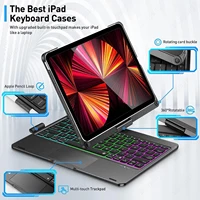
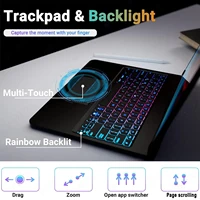
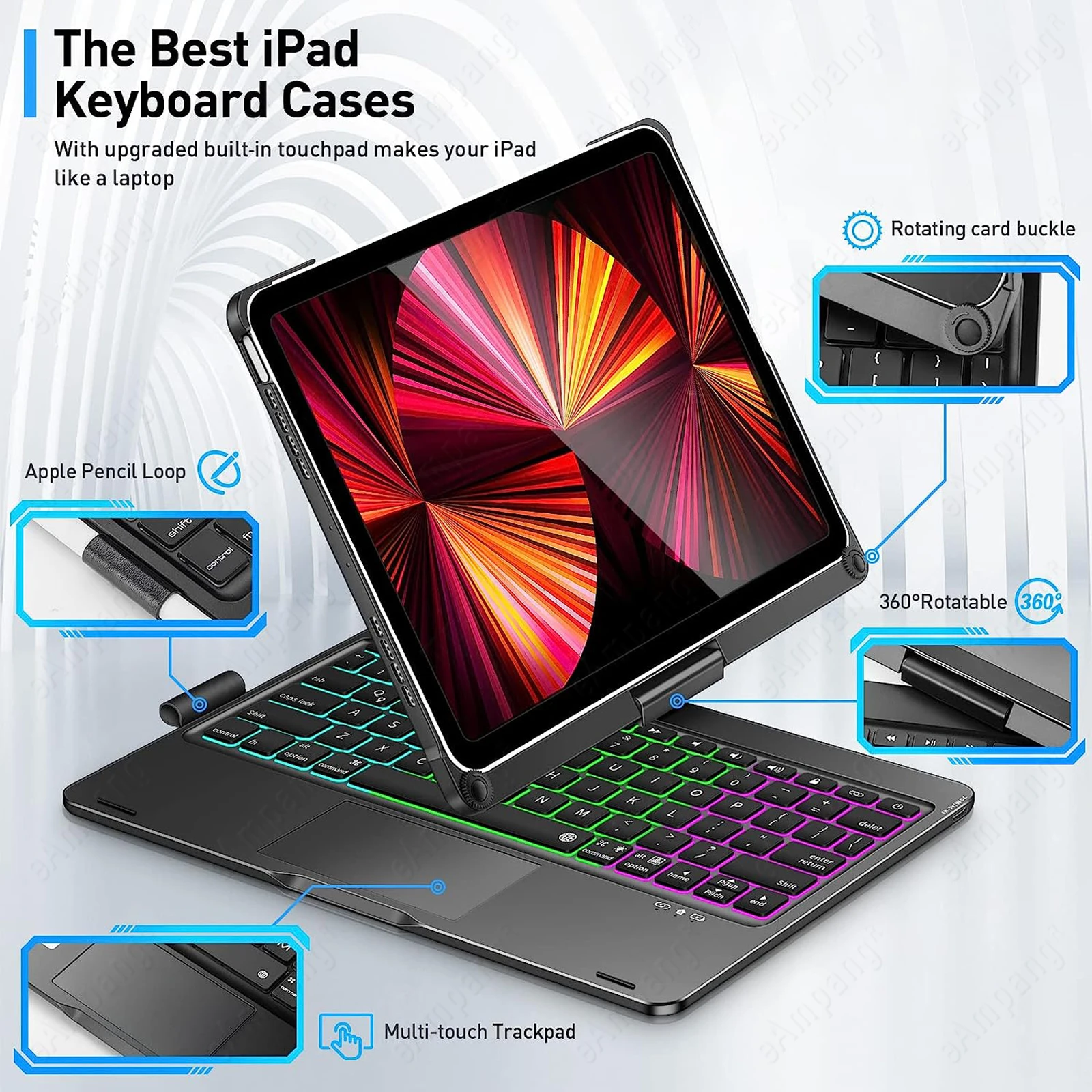
The keyboard comes with a touchpad and supports 3 gesture functions, single finger: click and move the cursor; double finger: selection and page turning; three fingers: switching applications.
2. [Hot Keys]
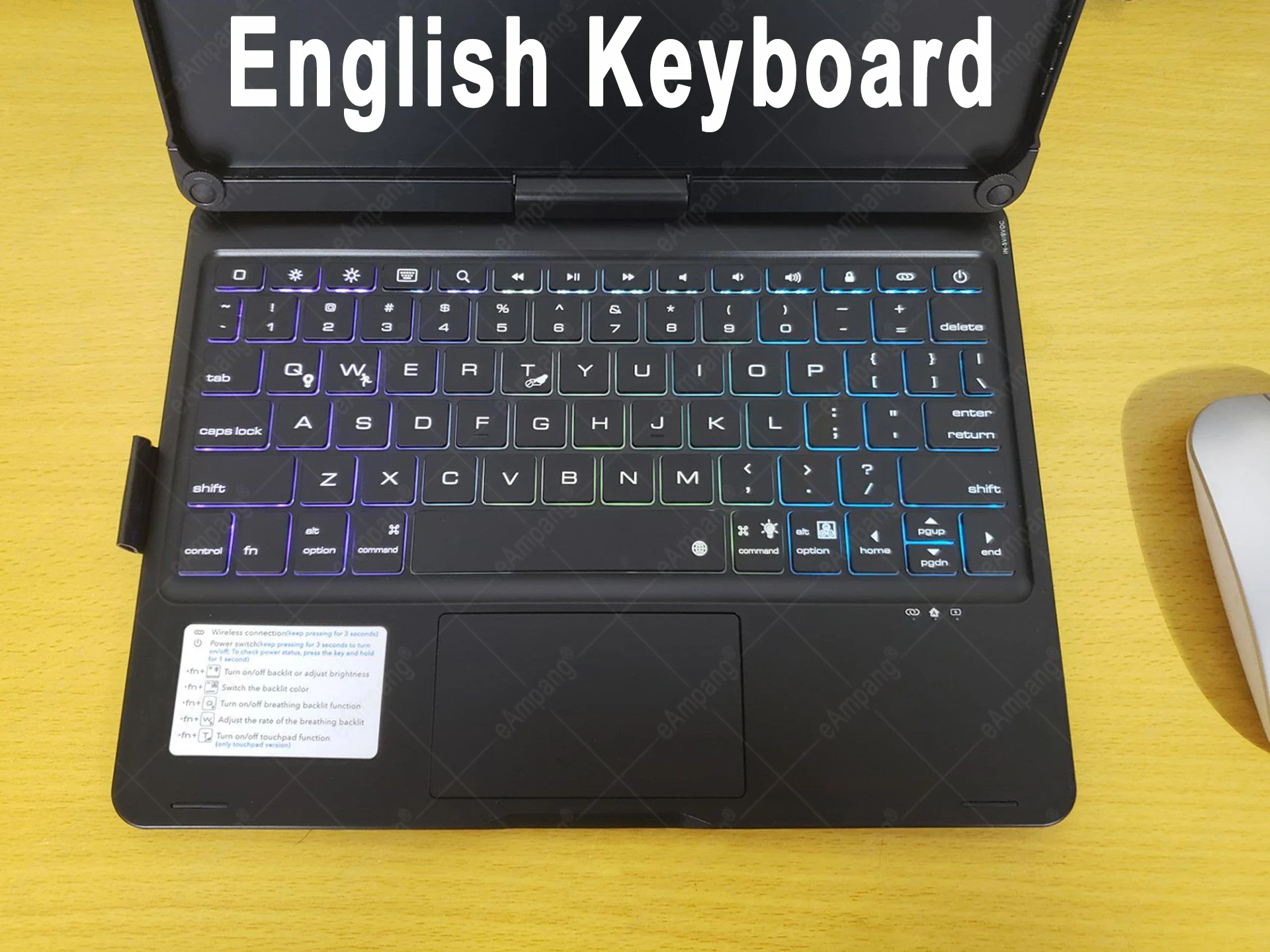
This keyboard supports the hotkey function and you can use it with the Fn key.
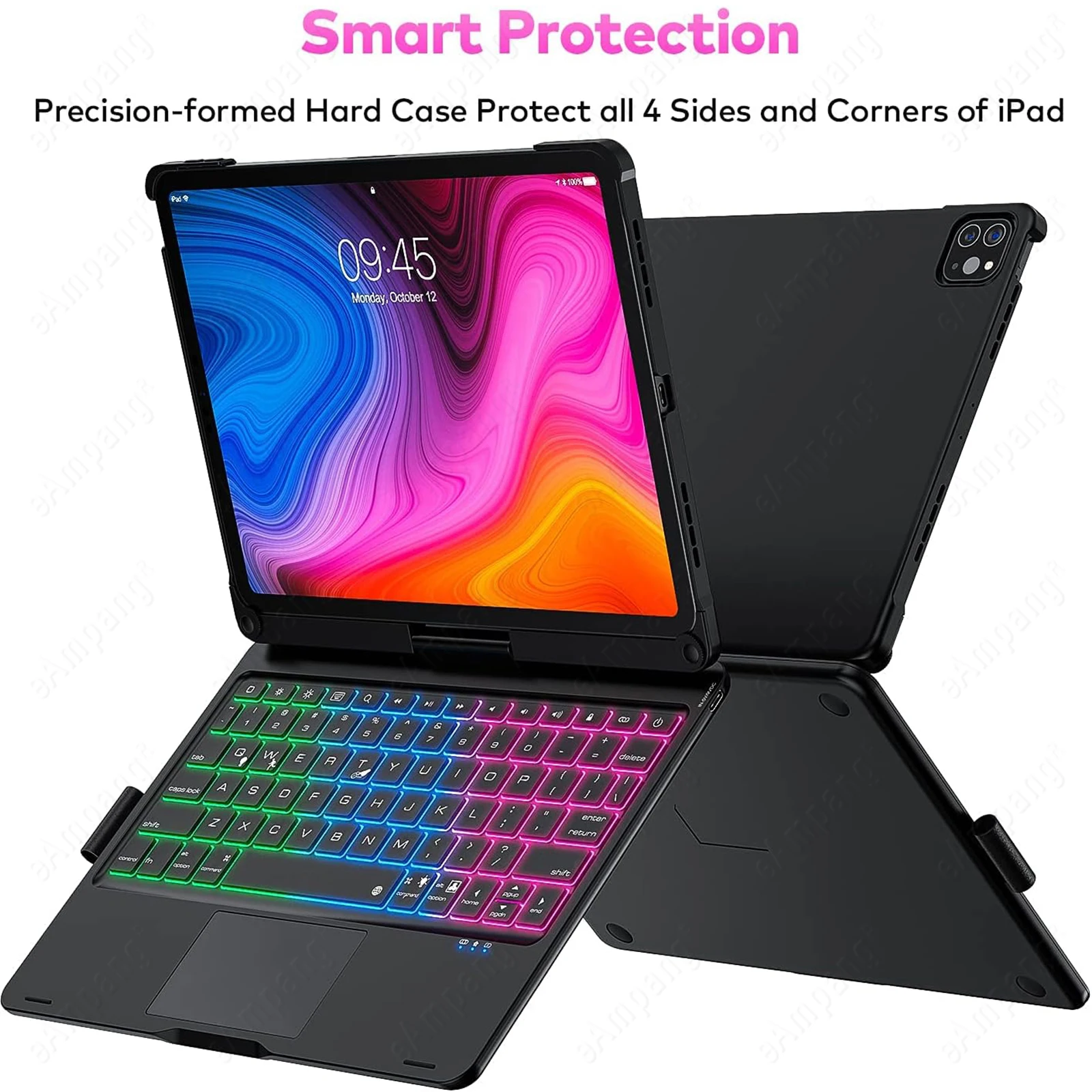
3. [360 degree rotation + 180 degree flip]
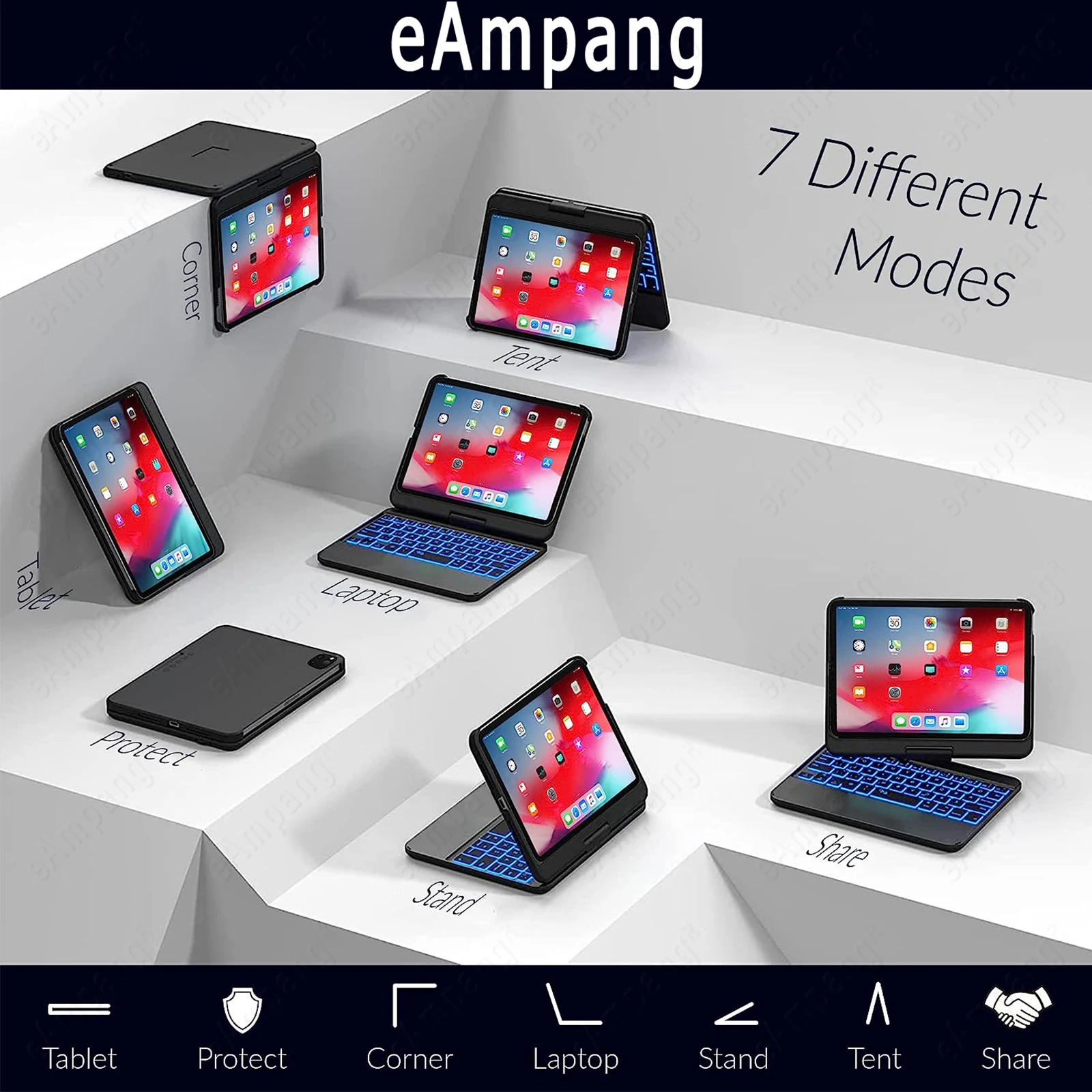
This keyboard has a unique connecting shaft design that allows you to adjust the tablet at any angle in 360 degrees horizontally and 180 degrees vertically.
4. [Backlit]
The keypad is equipped with a switchable 6 kinds 3-color rainbow light and white moonlight with 3 levels of brightness adjustment.
5. [Scissor Foot Construction Keycaps]
Provides comfortable and accurate key rebound feedback, as well as crisp keystrokes that aren’t loud.
iPad Pro 11 2022 4thA2435 A2761 A2762 A2759
iPad Pro 11 2021 3rdA2301 A2377 A2459 A2460
iPad Pro 11 2020 2nd A2228 A2231 A2068 A2230
iPad Pro 11 2018 1stA1979 A1980 A2013 A1934
iPad 10th 10.9 2022A2696 A2757 A2777
iPad Air 10.9 2020 4th A2324 A2325 A2072 A2316
iPad Air 10.9 2022 5th A2588 A2589 A2591
iPad Pro 12.9 2022 6th A2436 A2764 A2437 A2766
iPad Pro 12.9 2021 5th A2378 A2379 A2461 A2462
iPad Pro 12.9 2020 4th A2229 A2069 A2232 A2233
iPad Pro 12.9 2018 3rd A1876 A2014 A1895 A1983
iPad Mini 6 8.3″ 2021 A2567 A2568 A2569
iPad Air 3 10.5″ 2019 A2123 A2152 A2153 A2154
iPad Pro 10.5 2017 A1701 A1709 A1852
iPad 10.2 7th 2019 A2197 A2200 A2198
iPad 10.2 8th 2020 A2428 A2429 A2430 A2270
iPad 10.2 9th 2021 A2602 A2603 A2604 A2605
1. Why is the keyboard not working?
A: Please turn on the keyboard’s Bluetooth in the correct way and then connect it to the tablet.
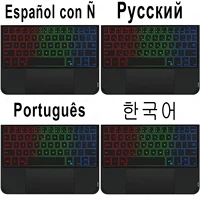
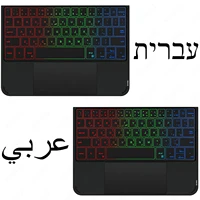
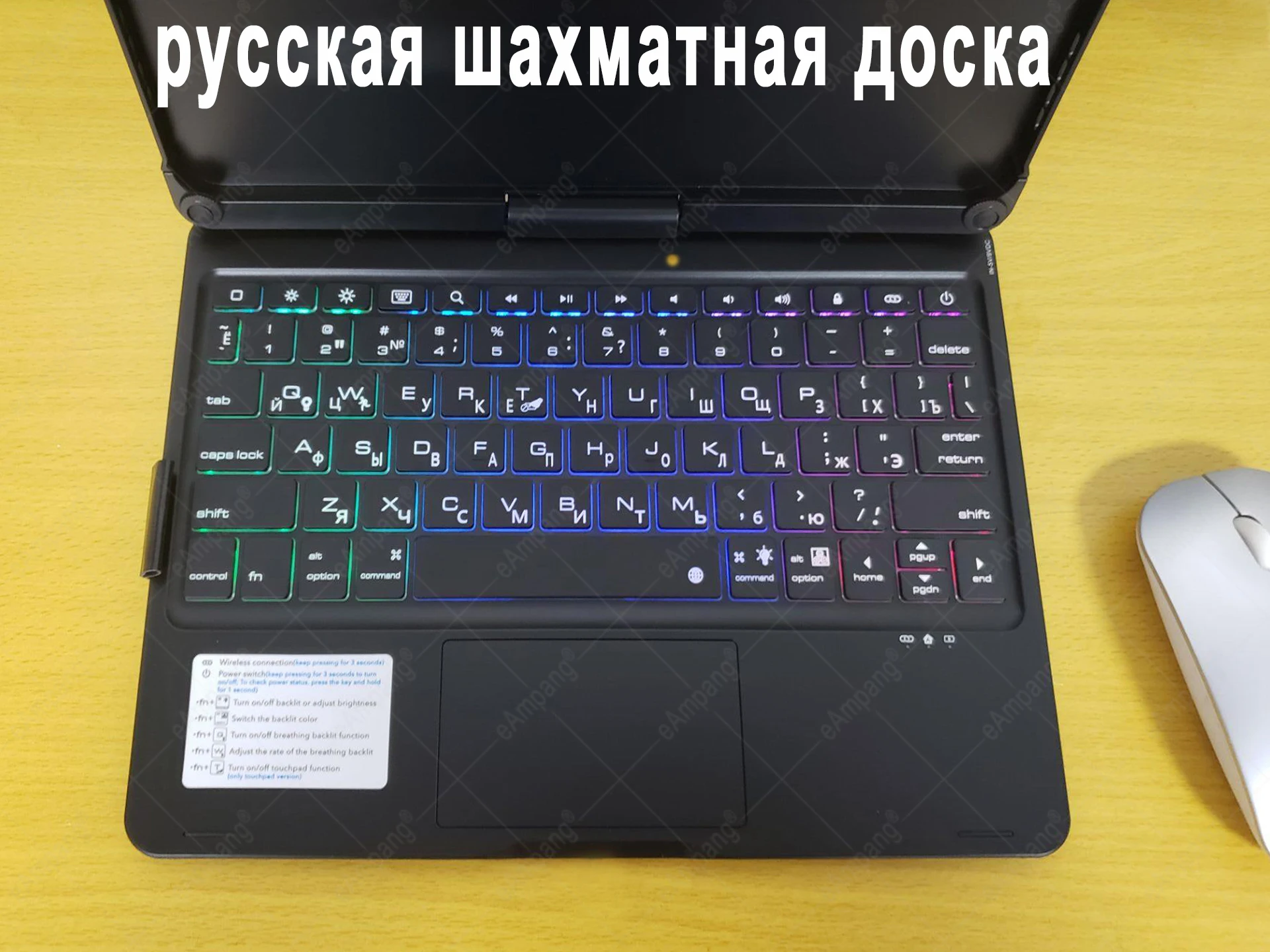
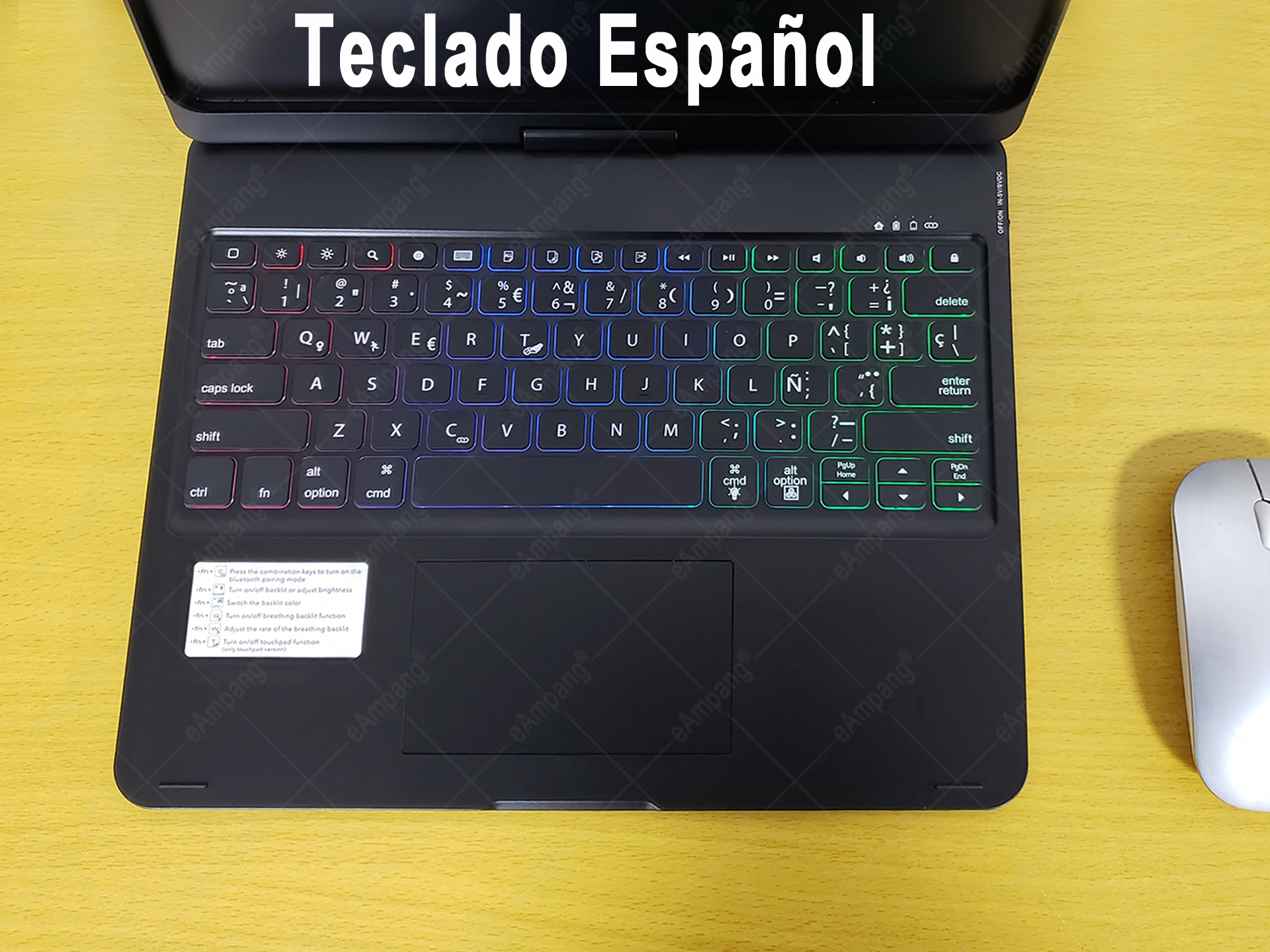
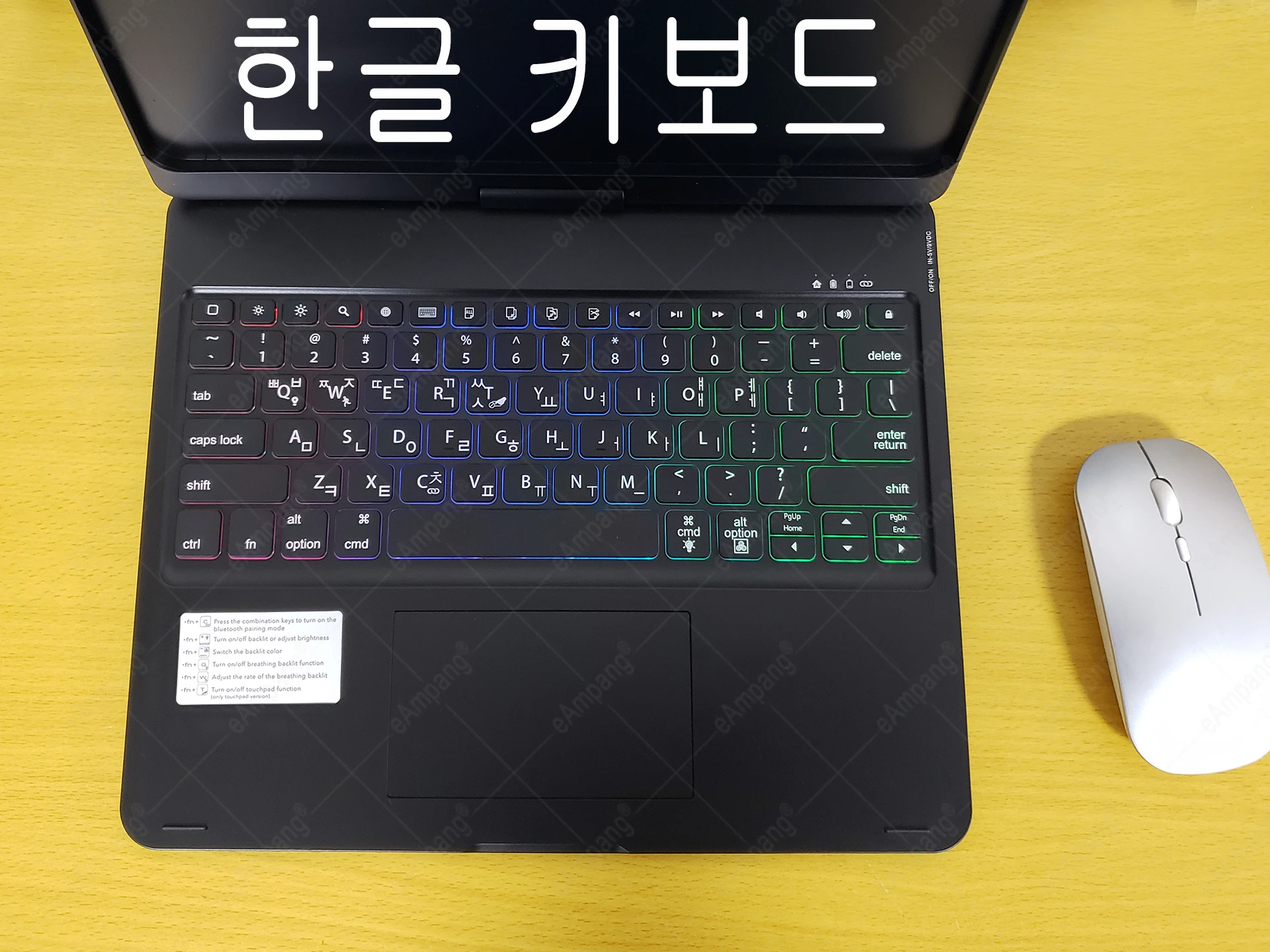
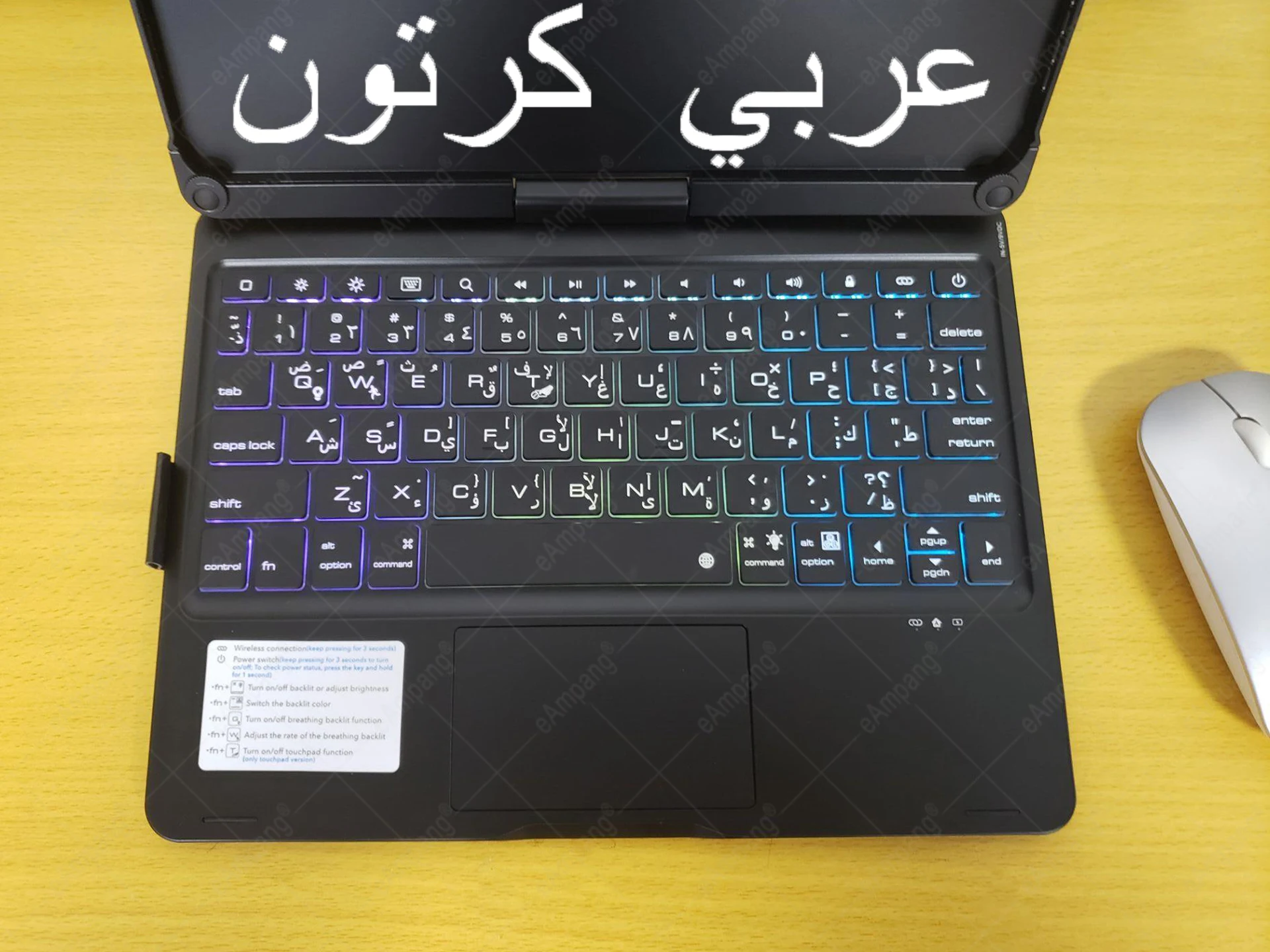
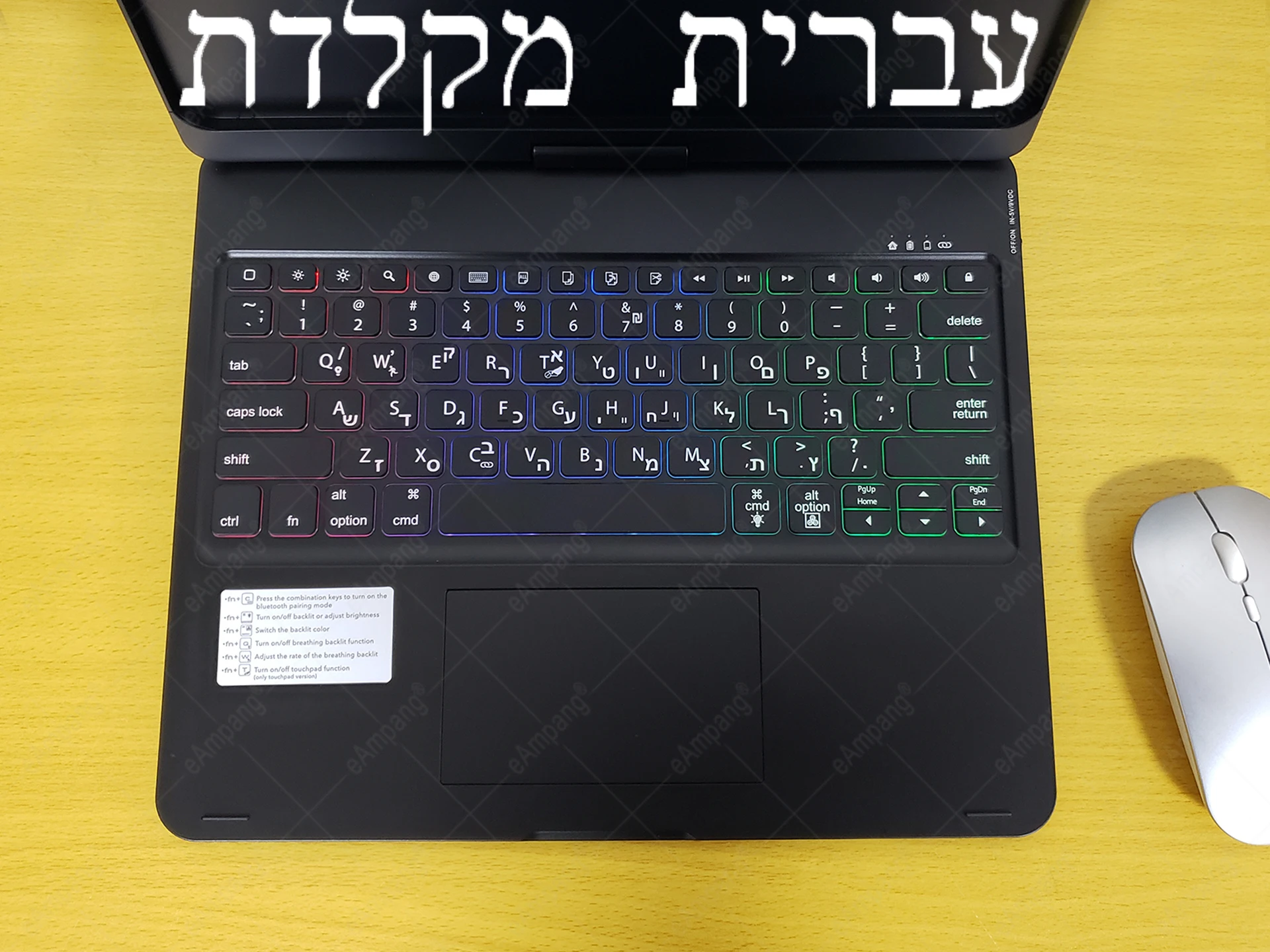
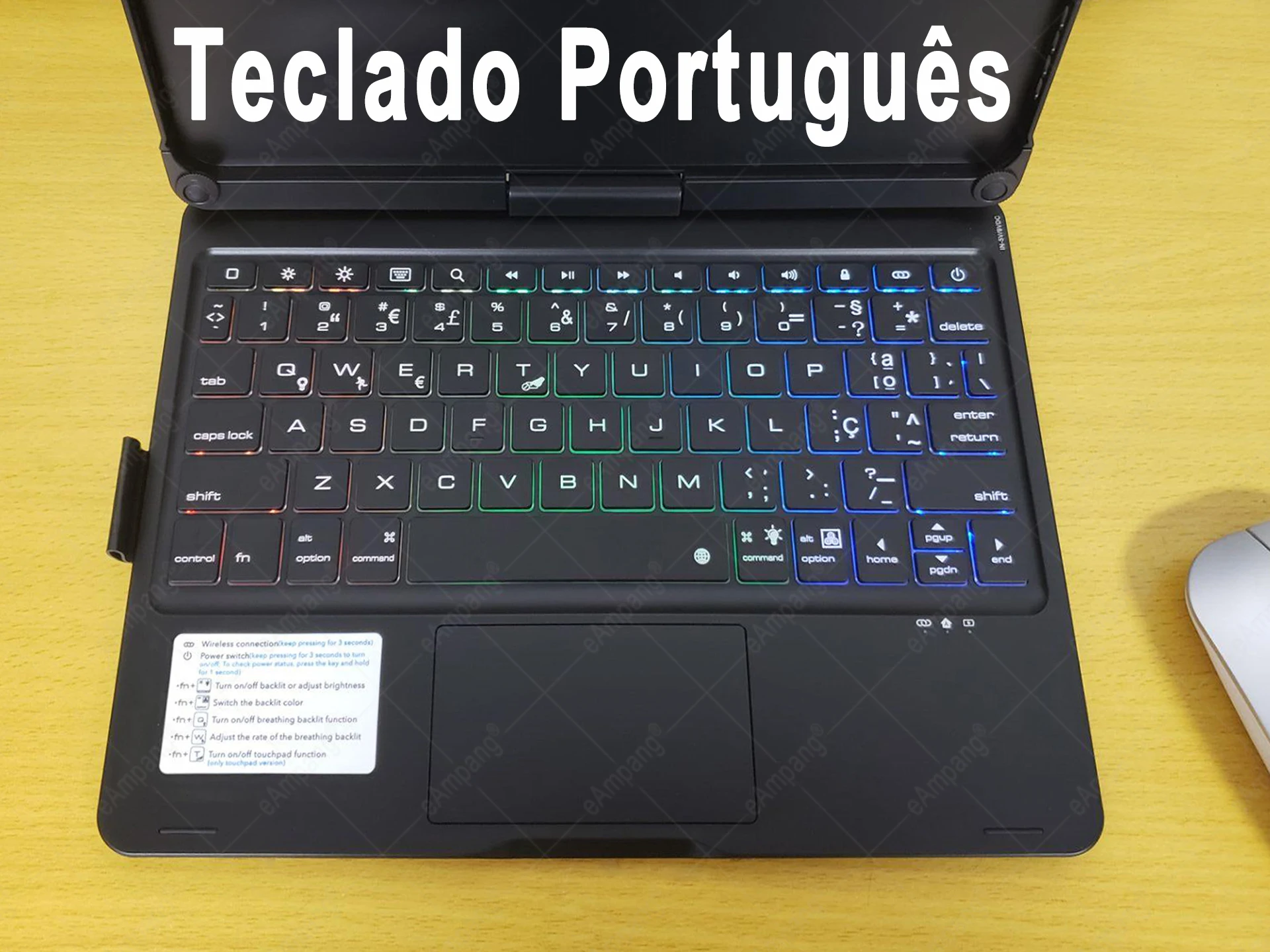
2. Why don’t the characters typed on the keyboard match those on the keyboard? / Why can’t I type the characters I want in my language?
A: Please set the desired input language in the tablet, and then press Ctrl+ space on the keyboard to switch the input language.


You must be logged in to post a review.
No account yet?
Create an Account


131 reviews for iPad Keyboard Case Magic Touchpad for iPad Mini 6 10.2 7th 8th 9th 10.5 Air 3 4 5 10th 10.9 Pro 11 12.9 2018-2022
Clear filters